
From 4 September 2026, two-factor authentication is required on all Host Media client area logins. Customers have had advance notice by email and there is a full setup guide in our knowledgebase. This post is about the reasoning, because "we are doing this for your security" is not much of an explanation on its own.
The problem is very well known
The UK government's Cyber Security Breaches Survey, published on 30 April 2026 by DSIT and the Home Office, found that 43% of UK businesses identified a cyber breach or attack in the previous twelve months, which scales to roughly 612,000 organisations. Phishing was the most common type by a wide margin, reported by 38% of businesses, and 69% of those affected rated it the most disruptive attack they faced. The share of breached businesses that experienced phishing and nothing else rose from 45% to 51%.
That last figure is the one worth the most attention. For most UK businesses the incident is not a sophisticated intrusion. It is someone entering their password into a convincing fake login page. Everything else is a smaller share of the problem.
Why a client area login is worth attacking
A client area account is not just a billing portal. It holds domain names, DNS records, and the contact details used to authorise a transfer. Someone with that access can repoint a website, redirect email by editing MX records, access databases or start moving a domain to another registrar. Recovery is possible, but it takes time, and in the meantime the site and email belong to somebody else.
Passwords alone are a weak control for that, for reasons that have very little to do with how strong the password is:
- Credentials leak from unrelated services and get reused. The password is fine. The problem is that it is also the password for a forum that was breached in 2019.
- Infostealer malware harvests saved browser passwords in bulk and sells them on. No guessing required.
- Phishing kits are sold as a service and are convincing enough that spotting them is not a reasonable thing to expect of anyone on a busy day.
In all three cases the attacker ends up holding a valid password. No password policy prevents that.
The evidence that 2FA actually helps
Microsoft published a peer-reviewed measurement study of Azure Active Directory accounts showing suspicious activity. Enabling multi-factor authentication reduced the risk of account compromise by 99.22% across the whole population, and by 98.56% for accounts where the password was already known to have leaked. More than 99.99% of accounts with MFA enabled came through the study period uncompromised. The study also found that dedicated authenticator apps outperform SMS codes, which is why we strongly recommend an app or a hardware key rather than text messages.
The second number is the one that matters. Even when the attacker already has the correct password, the second factor stops the attempt in the overwhelming majority of cases. That is the exact scenario 2FA exists for, and it is the scenario the statistics above say is most likely to happen.
Microsoft made MFA mandatory across Azure sign-ins on the strength of that research. We have come to the same conclusion at a considerably smaller scale.
Why mandatory rather than optional
We offered 2FA as an option for years. Optional security controls are adopted by the people who were already being careful, which means the accounts most likely to be compromised are the ones least likely to opt in. Making it the default is the only version of this that meaningfully reduces risk across the customer base rather than just for the security-minded minority.
It also removes an awkward conversation. When an account is compromised and 2FA was available but switched off, everyone loses, and nobody feels good about pointing at a setting.
What it covers, and what it does not
This applies to the client area login only. Hosting control panels, webmail, email and FTP logins are unchanged and continue to work exactly as before. Those platforms have their own separate 2FA settings, which we would encourage you to enable as well.
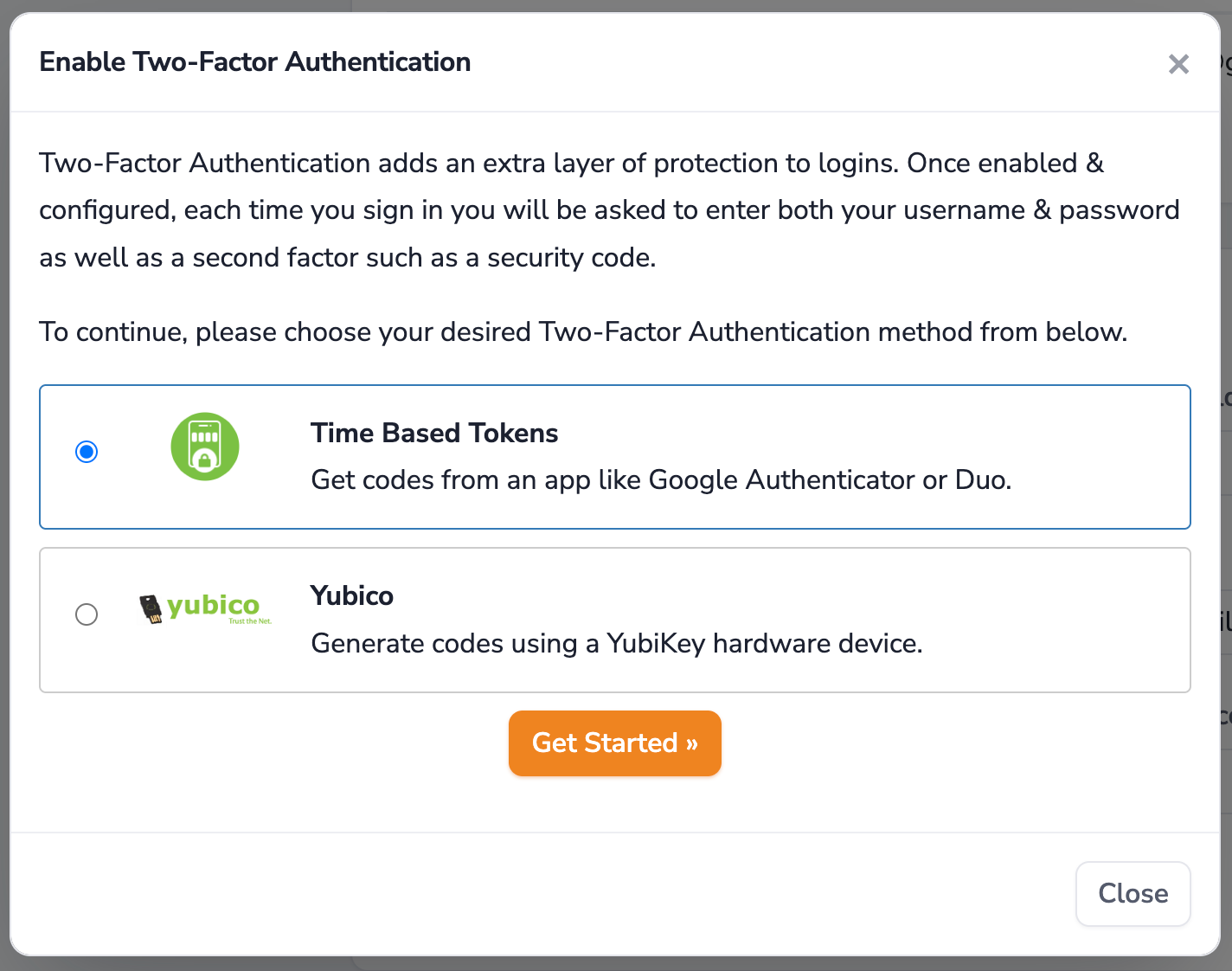
There are two methods to choose from at the time of this article. Time based tokens use a free authenticator app, with options for phones, Windows, Mac, Linux and browsers. Alternatively a YubiKey works as a hardware second factor with no app at all. Setup takes about two minutes either way.
Our guide covers choosing an app, the setup steps, and what to do if you lose access to your second factor: Securing Your Account with Two-Factor Authentication.